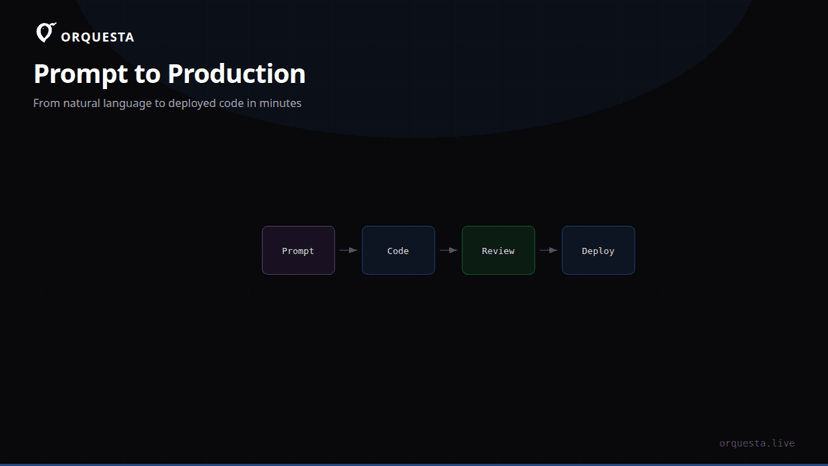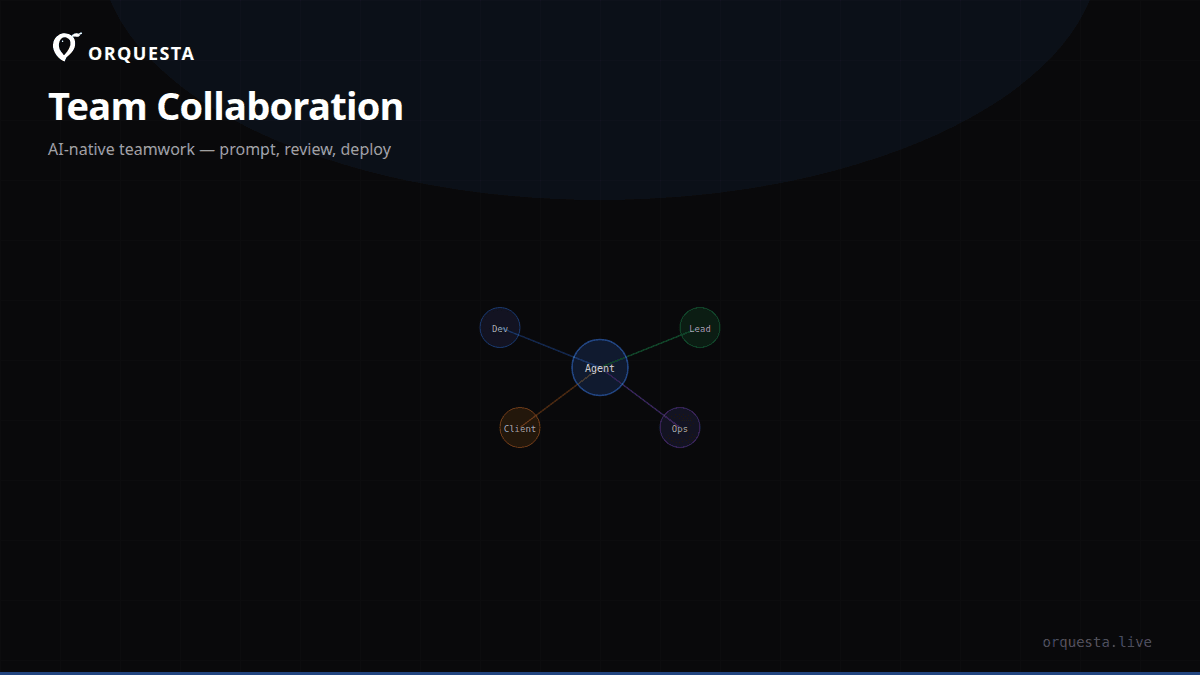
In software development, collaboration often requires granting others access to your infrastructure. Traditionally, this meant sharing SSH keys or providing shell access, which can be risky and difficult to manage. Orquesta offers a new model for collaboration: install the agent, invite collaborators, and let them submit prompts from the dashboard. They never see your keys, never have shell access, and never touch your infrastructure directly.
The Challenge with Traditional Access
Granting SSH access to your infrastructure is fraught with challenges. It requires careful management of keys, monitoring of access logs, and adherence to strict security protocols. This often becomes a bottleneck, especially in larger teams or in environments where multiple contributors need varying levels of access.
Access control in this traditional model is binary and lacks granularity. Once someone has SSH access, they potentially have the ability to execute any command or access any file, depending on the user permissions they possess. This can lead to mistakes or security breaches if not managed correctly.
Orquesta's New Collaboration Model
Orquesta redefines the collaboration model by shifting focus from direct access to managed, role-based interactions. Here's how it works:
-
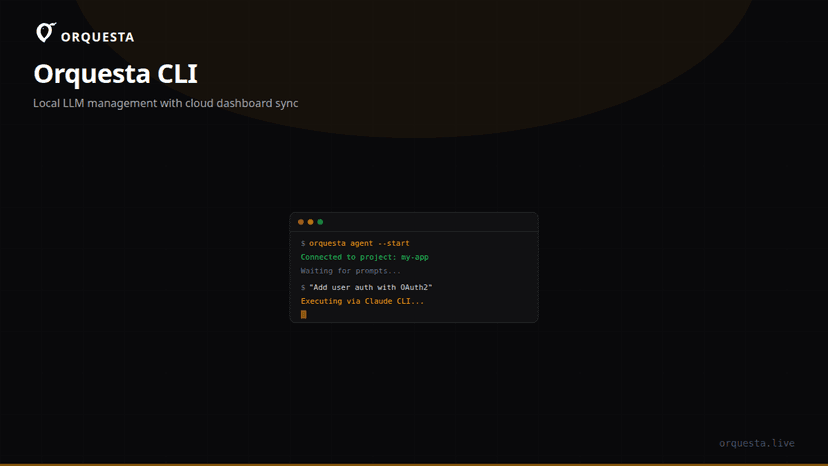
Install the Agent: You begin by installing Orquesta's local AI agent on your machine. This agent operates within your infrastructure, ensuring that your code never leaves your environment. It uses Claude CLI to convert prompts into actionable code, PRs, and deployments.
-
Invite Collaborators: From the Orquesta dashboard, you can invite team members to collaborate. Each collaborator gets a role with predefined permissions. This ensures that they can only perform actions that you explicitly allow.
-
Submit Prompts: Collaborators submit prompts through the Orquesta dashboard. They don't need shell access or SSH keys. The agent on your machine processes these prompts, executes the necessary actions, and provides live feedback.
Key Features Enabling Secure Collaboration
Local AI Agent
The local AI agent is a cornerstone of Orquesta's collaboration model. By running the agent locally, all executions happen within your infrastructure. This ensures security and control, as your code and data never leave your environment.
Role-Based Permissions
Orquesta's role-based permissions allow you to define exactly what each collaborator can do. Whether it's submitting prompts, reviewing changes, or executing deployments, you have granular control over each action.
Live Monitoring and Feedback
With the Agent Grid, you can monitor multiple agents from a single screen. Each agent has a live terminal that streams output in real-time. This transparency allows you to see exactly what actions are being taken and by whom.
Autonomous Execution Modes
Orquesta offers four execution modes, giving you the flexibility to choose how actions are executed:
- Auto: The AI picks the best mode based on the prompt.
- SSH: Direct command execution, if needed.
- Agent: Use Claude CLI for local execution.
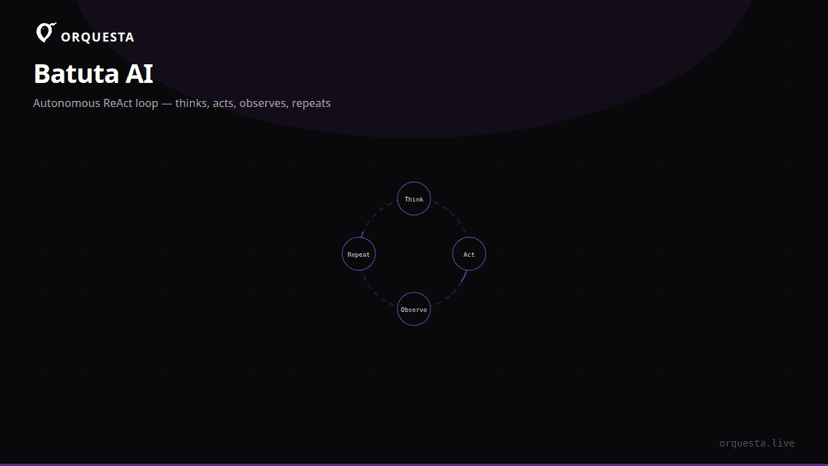
- Batuta: Fully autonomous SSH executions with a ReAct loop.
Quality Assurance
Every action taken by the AI agent is a real git commit. This means that changes are versioned and can be reviewed before they're applied. Orquesta also simulates changes to ensure quality and consistency. Team leads can sign off on changes before they're executed, enforcing an additional layer of oversight.
Getting Started with Orquesta
Here's a quick guide to setting up Orquesta for your team:
-
Install the Agent: Download and install the Orquesta agent on your infrastructure.
-
Create Roles and Permissions: Define roles for your team members. Decide who can submit prompts, approve changes, and execute deployments.
-
Invite Collaborators: Use the dashboard to invite team members. They will receive an invitation to join your environment.
-
Submit and Execute Prompts: Team members can now submit prompts from the dashboard. The agent handles the execution and provides live feedback.
-
Monitor and Review: Use the Agent Grid to monitor actions. Review git commits and quality gates before final execution.
Conclusion
By rethinking collaboration with Orquesta, you can remove the complexities and risks of SSH access. This model not only enhances security but also improves efficiency and control over your development process. It's a practical approach to managing team interactions without sacrificing security or oversight.