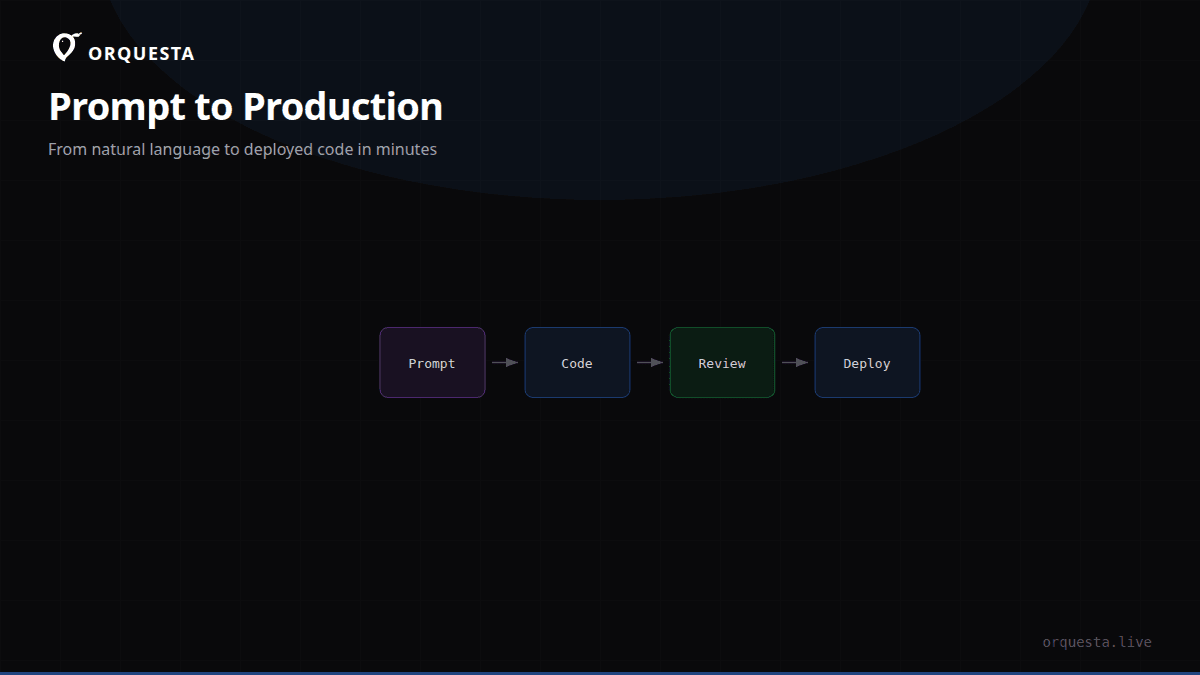
The prompt lands
A teammate opens the Orquesta dashboard, types a prompt, selects the api repo, and hits submit. No YAML, no pipeline config. They write: "Fix the race condition in the token bucket refill. Add a mutex and a test that runs with -race." That's it. The prompt is encrypted at rest and stored with a full audit trail.
If they're on their phone, they use the Telegram bot. If they're in another tool, they can embed Orquesta via a single script tag. The prompt lands in a queue, tagged with the repo, requested execution mode, and any quality gates. From that moment, the lifecycle is fully observable — every action is logged, every cost is tracked, and every decision is reversible.
The agent picks up the work
Orquesta is not a cloud sandbox. The agent runs on your infrastructure — typically a beefy dev machine or a dedicated runner inside your VPC. When a prompt is submitted, the Orquesta CLI on that machine picks it up via a persistent connection to the dashboard. I cannot overstate how important this is: your code and environment variables never leave your network.
The CLI manages the local LLM runtime. For Claude, it launches claude in agent mode with the necessary environment. For Ollama or vLLM, it points to your local endpoint. The dashboard syncs with the CLI, so you always know which version of which model is running where.
Execution modes matter here. Auto lets the AI pick the best tool — usually Claude CLI for code changes, SSH for direct server commands, or Batuta for autonomous multi-step operations. For this walkthrough, we'll use Agent mode with Claude CLI.
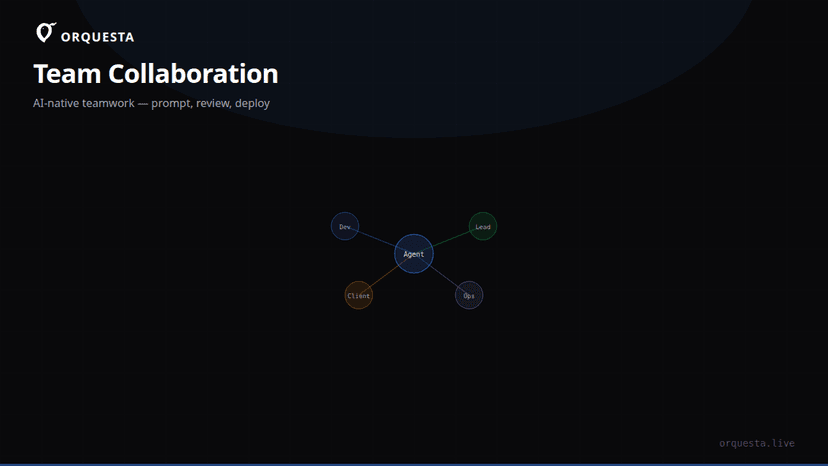
On the Agent Grid, this shows up as a new live terminal. You can monitor dozens of agents from one screen, each with its own stream, status, and history. No SSHing into separate boxes, no tailing logs in five terminals.
Claude CLI executes, line by line
From the moment the agent starts, every line of output streams back to the dashboard in real time. There is no "loading" spinner. You see exactly what the agent sees: the system prompt, the CLAUDE.md context, the repo files it reads, the commands it runs.
Here's what a typical stream looks like on the Agent Grid:
[agent:fix-rate-limiter] Reading CLAUDE.md
[agent:fix-rate-limiter] Reading rate_limiter.go
[agent:fix-rate-limiter] Found tokenBucket struct with refill method
[agent:fix-rate-limiter] Running: go test ./... -race
[agent:fix-rate-limiter] test failed: data race in TestRefillConcurrent
[agent:fix-rate-limiter] Editing rate_limiter.go
[agent:fix-rate-limiter] Added sync.Mutex to tokenBucket
[agent:fix-rate-limiter] Running: go test ./... -race
[agent:fix-rate-limiter] all tests passed
[agent:fix-rate-limiter] Committing: fix(rate-limiter): add mutex to token bucket refill
Notice the lack of hand-waving. The agent doesn't just output a diff; it shows the command, the exit code, and the stdout. If a test fails, you see the failure before the agent tries to fix it. That transparency is the only reason teams trust AI to write production code.
CLAUDE.md sync deserves a mention. Before the agent touches anything, Orquesta pulls the latest CLAUDE.md from the repo and injects it into the agent's context. That means whatever coding standards you've documented are enforced on every execution. We use it for things like "never add external dependencies without approval" and "always run go vet before commit." The agent also sees token usage and cost per step, so there are no surprises at the end of the month.
Code changes become real git commits
Here's the part that separates Orquesta from a chatbot: the agent doesn't stop at suggestions. It creates a branch, stages files, and makes real git commits. It doesn't use a hidden staging area; every action is a normal git commit on a feature branch.
After the agent finished with the rate limiter fix, the repo looked like this:
$ git log --oneline -3
a1b2c3d fix(rate-limiter): add mutex to token bucket refill
e4f5g6h test(rate-limiter): cover concurrent refill with -race
f6a7b8c chore: add CLAUDE.md with go test -race requirement
The commit messages follow the repo's convention because the agent read CLAUDE.md and the existing commit history. The test was added because the prompt explicitly asked for it, and the agent ran it with -race to prove the fix.
The agent then pushes the branch and opens a pull request. In the Orquesta dashboard, the PR link appears in the prompt's timeline, along with the full diff and the streaming log. Nothing is hidden. Every prompt, log, diff, and cost is part of the audit trail, encrypted with AES-256.
Tests, quality gates, and sign-off
Before the PR can merge, it goes through the normal CI pipeline — whatever you already have. Orquesta doesn't replace your CI; it works alongside it. But we added one extra layer: quality gates.
A quality gate can be configured to require a human sign-off before the agent executes any "real" changes. In simulation mode, the agent runs the same workflow but stops before committing. It shows the diff, the test plan, and the expected impact. A team lead reviews it in the dashboard, writes a one-line approval, and then the agent proceeds for real.
In the rate limiter example, we didn't use simulation because the change was small and well-specified. Instead, the PR went to a teammate for review. They approved it, and the merge to main triggered the production deploy — same as any other PR. The difference? The entire code change was written by an AI agent, with a human verifying the result.
Role-based permissions control who can submit prompts, who can approve quality gates, and who can merge. A junior dev can open a prompt but not push to production; a team lead can sign off but not change the agent's configuration. That separation of duties is what makes the pipeline safe for production.
The orchestration layer that makes it work
Under the hood, Orquesta is an orchestration layer, not a model wrapper. The CLI runs on your machine and manages the agent lifecycle: process spawning, streaming, tool call interception, git operations, and dashboard sync. The dashboard is a control plane: it tracks prompts, agents, logs, diffs, and costs.
The streaming protocol is simple: the CLI emits events over a WebSocket to the dashboard. Each event has a type, a payload, and a timestamp. The Agent Grid renders these events as live terminals, so you can watch a dozen agents running in parallel without SSHing into each machine.
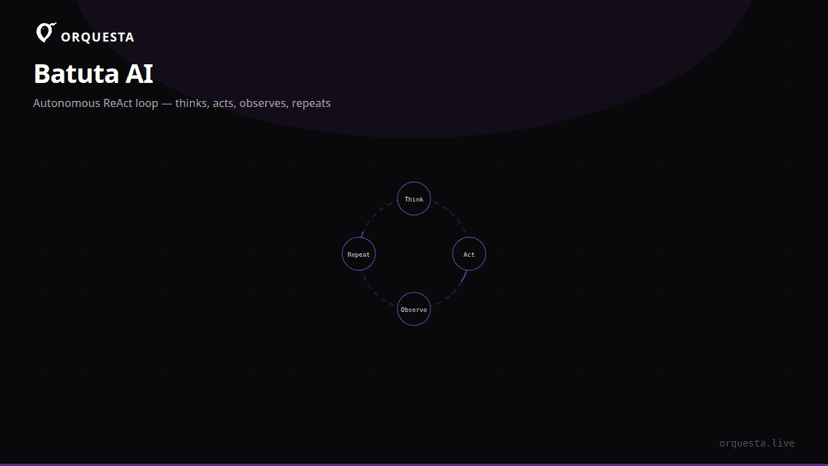
For infrastructure tasks, Batuta mode takes a different approach. Instead of Claude CLI, it runs a ReAct loop — Think, Act, Observe, Repeat — over SSH. That's useful for things like "rotate the certificates on the staging load balancer and verify the health check." But for code changes, Claude CLI is the workhorse.
You can submit a prompt directly from the CLI too:
$ orquesta prompt create \
  --title "Fix rate limiter race condition" \
  --body "The token bucket in rate_limiter.go has a race when refilling. Add a mutex and a test." \
  --repo api \
  --mode agent
That command returns a prompt ID, and the agent picks it up within seconds. The rest of the lifecycle — streaming, commits, PR, sign-off — is exactly the same as if the prompt came from the dashboard or Telegram.
The takeaway
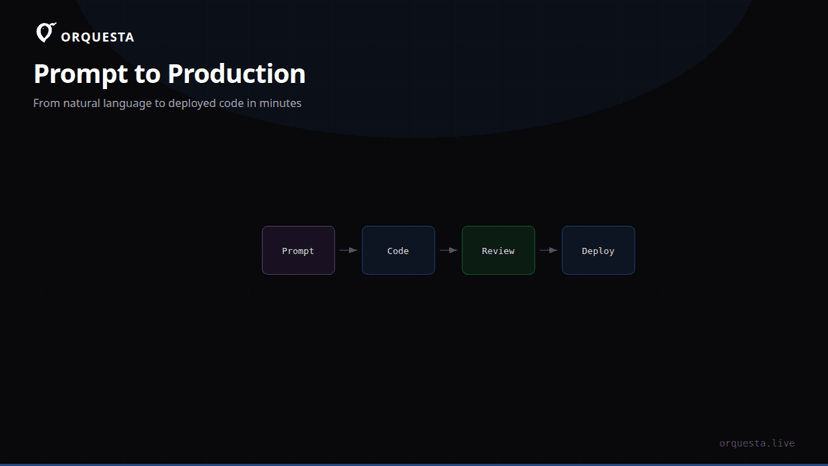
Prompt to production isn't magic. It's a pipeline where each step is observable, auditable, and reversible: prompt submission, local execution, streaming output, real commits, automated tests, human review, merge. The AI does the tedious mechanical work — reading files, running commands, writing code, fixing tests — while the team stays in control. That's the only way this works at scale.