The SSH Access Problem
We built Orquesta after repeatedly hitting the same wall: giving teammates access to a server or local environment meant handing out SSH keys, managing jump hosts, and praying nobody ran rm -rf by accident. SSH is a blunt instrument. It exposes the entire filesystem, every environment variable, every secret. Even with strict key management, the risk surface is enormous. And for non-technical stakeholders—designers, PMs, QA—SSH is a non-starter. They shouldn't have to learn terminal commands to get something done.
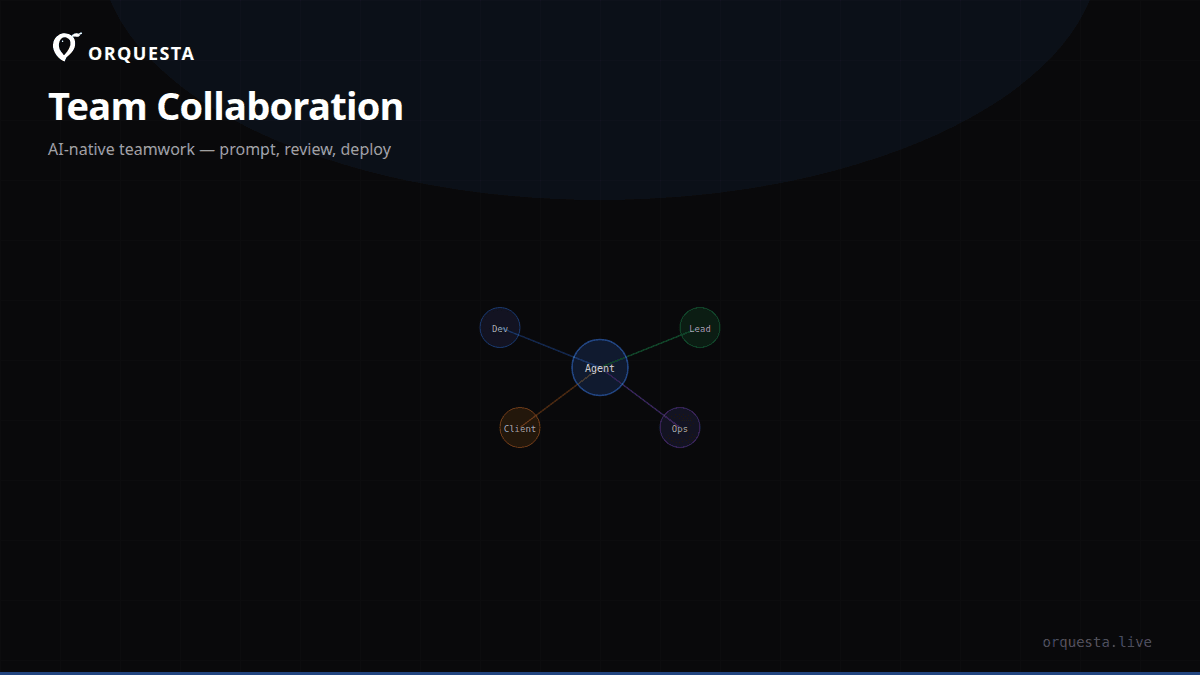
The alternative was worse: asking a developer to run commands on someone else's behalf. That creates a bottleneck and breaks the flow. We needed a way to let people request work in an environment without ever touching it directly. That led to the core idea behind Orquesta: install a local agent on the machine that owns the environment, then let anyone submit prompts from a dashboard. The agent executes those prompts locally, streams output in real-time, and commits every change to git. No SSH keys shared, no shell access granted, no direct infra exposure.
How the Agent Works
Orquesta's agent runs on the machine where the actual work happens—your laptop, a staging server, a production box. It uses the Claude CLI under the hood, which means all reasoning, code generation, and command execution stays on that machine. The agent opens a local terminal session, but only through a controlled interface. It can run shell commands, edit files, create branches, and push commits—but only because the agent is configured to do so. The person submitting the prompt never sees that terminal. They just see the streamed output in the dashboard.
Here's what a typical setup looks like. Install the Orquesta CLI on your machine:
npm install -g @orquesta/cli
orquesta init
This generates a local config, starts the agent, and connects it to your Orquesta workspace. The agent authenticates using a scoped token that has no permissions beyond what the agent itself needs. You can then invite teammates to that workspace with role-based access. We support roles like Admin, Developer, Reviewer, and Observer. A Reviewer can see prompts and outputs but can't submit new ones without approval. An Observer can only view the audit log. This means a product manager can submit a prompt like "Add a dark mode toggle to the settings page" and the agent will branch, implement, test, and open a PR—all without the PM ever seeing a command line.
The Prompt-to-PR Pipeline
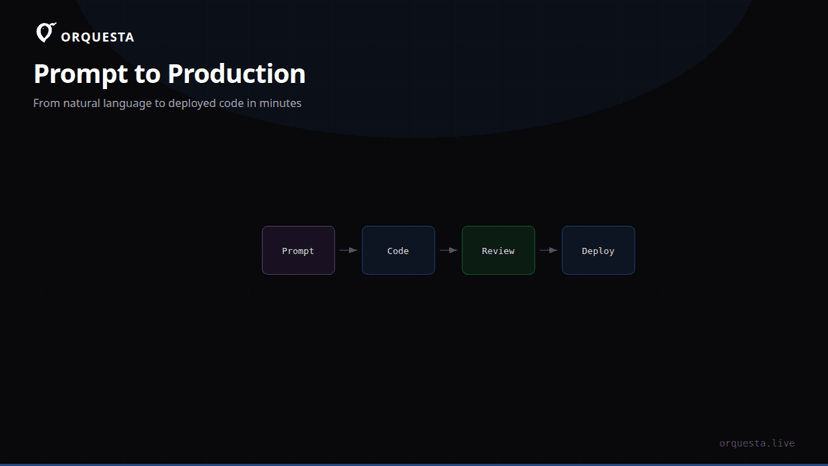
Let's walk through a real workflow. A teammate submits a prompt from the dashboard:
Fix the failing test in the auth module and update the docs.
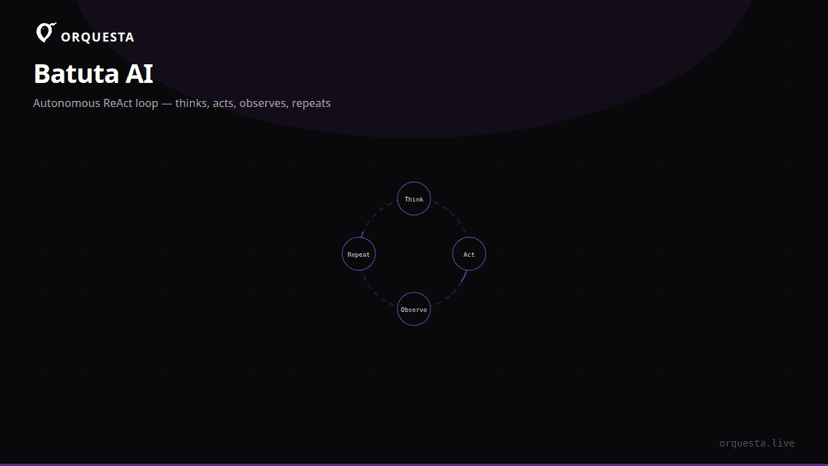
The Orquesta agent receives the prompt, picks an execution mode (Auto by default), and starts working. In Auto mode, the agent decides whether to run simple shell commands directly, use the Claude agent for complex tasks, or enter Batuta mode—a ReAct loop that thinks, acts, observes, and repeats until the task is done. Batuta is especially useful for multi-step tasks like debugging a flaky test or refactoring a module.
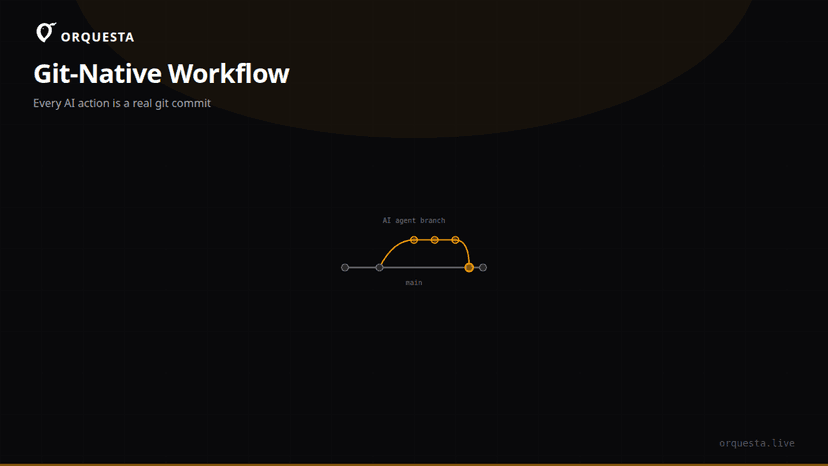
The agent streams every line of output to the dashboard in real-time. Teammates can watch the agent's thought process, the commands it runs, and the files it touches. Every action becomes a git commit on a feature branch, so the entire history is preserved. When the agent finishes, it opens a PR with a summary. A team lead can review the diff, run quality gates, and merge. The person who submitted the prompt never needs to know how it worked. They just see a PR ready for review.
Security Without Sacrificing Speed
The biggest objection we hear is: "If the agent can run commands on my machine, isn't that just as dangerous as SSH?" The answer is no, because the agent operates within a defined scope. It doesn't expose raw shell access to anyone. The person submitting a prompt can't type arbitrary commands—they can only submit natural language prompts, which the agent interprets. The agent's actions are further constrained by the CLAUDE.md file in your repo, which sets coding standards and allowed operations. You can also configure quality gates: before the agent executes a risky command, it can simulate the change and require a sign-off from a team lead.
All prompts, logs, diffs, and costs are encrypted with AES-256 and stored in an immutable audit trail. You can see exactly who submitted what, what the agent did, and how much it cost. If someone tries to inject a malicious prompt (e.g., "Delete the production database"), the agent's built-in safety checks and the quality gate will block it unless explicitly approved. We built this because we were tired of worrying about who had root access.
Collaboration Beyond the Dashboard
Orquesta isn't just a web UI. We've made it possible to collaborate from anywhere. The Telegram bot lets team members submit prompts from their phone. The Embed SDK lets you drop a single script tag into any internal tool and give users a prompt box. The Agent Grid shows all your running agents on one screen, with live terminals for each. This is invaluable for team leads managing multiple environments—you can watch six agents work in parallel and intervene if one goes off the rails.
Here's a snippet of the embed SDK:
<script src="https://cdn.orquesta.dev/embed.js"></script>
<script>
  Orquesta.mount('#prompt-box', {
    workspace: 'your-workspace-id',
    theme: 'dark'
  });
</script>
This drops a prompt submission widget into any web app. A customer support rep can submit "Regenerate the invoice for order #1234" directly from the CRM, without ever seeing a server.
A New Collaboration Model
The traditional model of infrastructure access is broken. SSH keys get shared, permissions drift, and non-technical users are locked out. Orquesta replaces that with a prompt-based interface. You install the agent on the machines you control, invite people to submit prompts, and let the AI do the work under strict guardrails. The result is faster iteration, fewer bottlenecks, and a complete audit trail. No one sees your keys, no one has shell access, and no one touches your infra directly. They just write what they want done, and the agent handles the rest.
We built Orquesta because we wanted to stop being the middlemen for every environment change. Now our team submits prompts from the dashboard, watches the agent work, and reviews the PRs. It's not just safer—it's the way software development should work.