The SSH Sharing Problem
Giving someone SSH access to your machine feels like handing over the keys to your house. You trust them not to accidentally rm -rf the wrong directory, not to peek at your .env files, and not to leave your server exposed. But even with the best intentions, things go wrong. Permissions are too broad, keys get shared insecurely, and suddenly your production database is one fat-fingered command away from disaster.
We built Orquesta because we were tired of this trade-off. We wanted a way for teammates—developers, designers, product managers, even non-technical stakeholders—to work in our environment without ever getting shell access. No SSH keys, no terminal sessions, no direct infrastructure access. Instead, they submit prompts, and an AI agent does the work on our behalf, under our supervision.
The New Collaboration Model: Agent-as-Intermediary
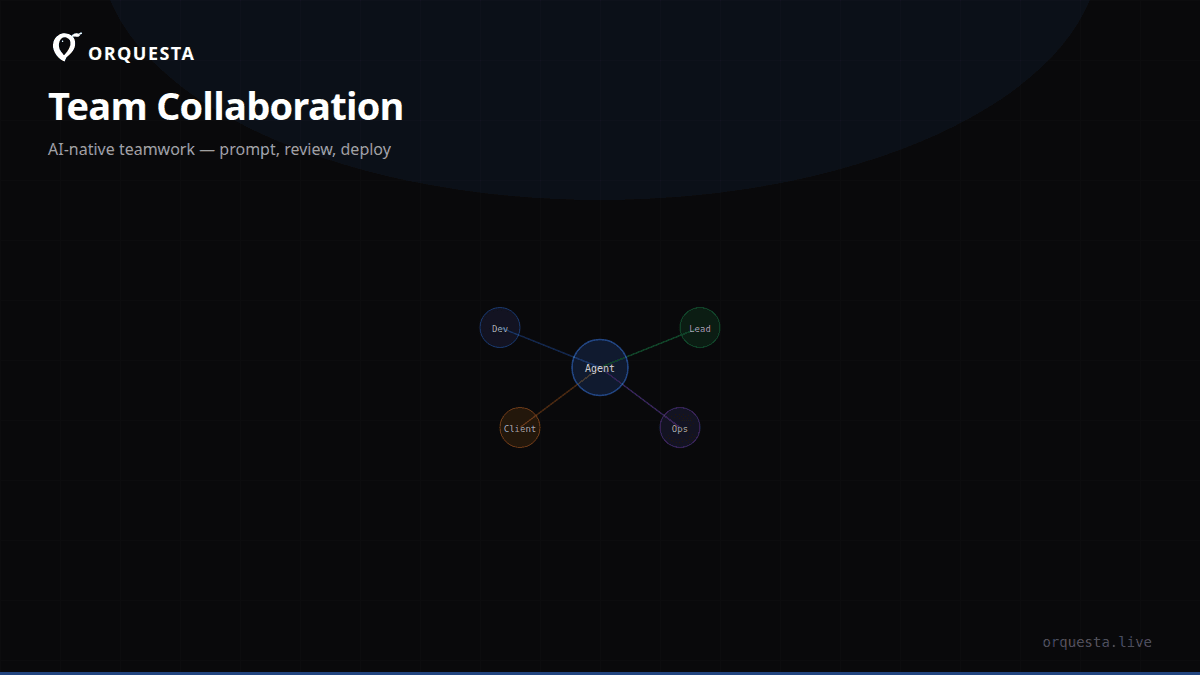
The core idea is simple: install an agent on your machine, invite people to your workspace, and let them submit prompts from a web dashboard. The agent—running locally as a CLI tool—executes those prompts using your environment, your credentials, and your context. But the person submitting the prompt never sees your secrets, never gets a shell, and never touches your infrastructure directly. They only see the output stream and the resulting git commits.
This flips the traditional remote work model. Instead of granting access to a whole system, you grant access to a specific capability: the ability to ask an AI agent to perform a task. The agent becomes the intermediary that enforces boundaries, logs everything, and ensures changes are reviewable.
How It Works Under the Hood
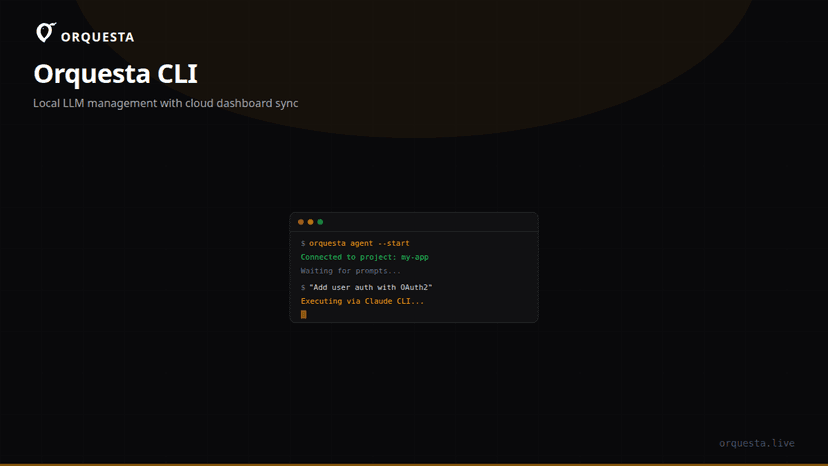
When you install Orquesta on your machine, it runs a local CLI that manages LLM connections (Claude, OpenAI, Ollama, vLLM) and syncs with our dashboard. You connect your git repositories and define quality gates. Then you invite collaborators by email or link. They log in to the dashboard and see a prompt input box—no terminal, no SSH client.
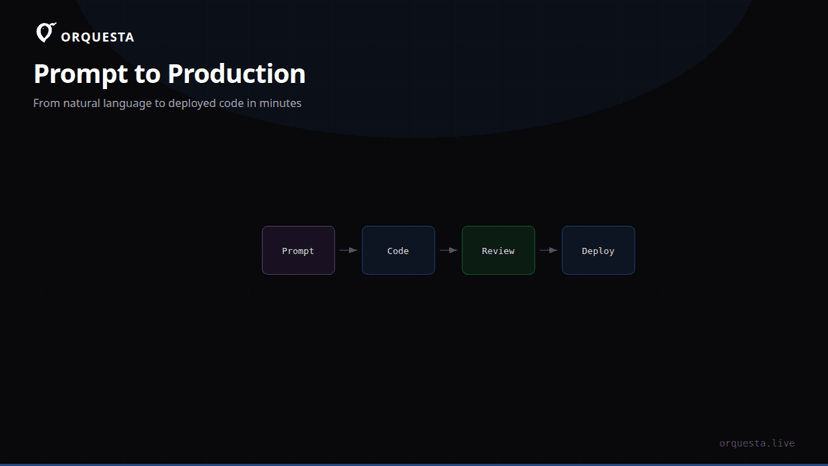
They type a prompt like: "Update the pricing page to reflect the new enterprise tier, and create a PR." That prompt is sent to your local agent. The agent opens your codebase, makes the changes, and commits them to a new branch. It then opens a pull request. Throughout the process, the collaborator watches a live stream of the agent's terminal output—every command, every file diff, every git operation. But they cannot pause, modify, or inject commands. They can only see and wait for the result.
If you've enabled quality gates, the agent will first simulate the changes in a sandbox, present a diff and a summary to a designated team lead for sign-off, and only then execute on the real environment. This ensures that nothing gets deployed without human review.
The Security Model: No Keys, No Shell, No Problem
The most common question we get is: "But if the agent runs on my machine, doesn't that mean the collaborator can do anything?" The answer is no, because the collaborator never interacts with the agent directly. They only send high-level intents through our dashboard. The agent interprets those intents using its own context and permissions. The collaborator has no way to bypass the agent's constraints—they can't ask it to cat ~/.ssh/id_rsa because the agent is not a shell; it's a task executor with a limited action space.
We've also implemented:
- AES-256 encryption for all data in transit and at rest.
- Full audit trail: every prompt, log, diff, and cost is recorded and tied to the specific user who submitted it.
- Role-based permissions: you can define who can submit prompts, who can approve quality gates, and who has admin access to the agent configuration.
- No inbound SSH: the agent polls our servers over HTTPS; it doesn't open any ports on your machine. Your firewall stays closed.
This is fundamentally different from giving out SSH access. With SSH, you're betting that the person won't misuse their privileges. With Orquesta, you're betting that our agent will do what it's told—and you can review every action it takes before it affects your environment.
Real-World Workflow: From Prompt to PR Without a Terminal
Let's walk through a concrete example. Sarah, a product manager, wants to update the onboarding flow. She's not technical and has never touched a terminal. With traditional SSH, she'd have to ask a developer to make the changes, or risk being locked out entirely. With Orquesta, she logs into the dashboard and types:
"The onboarding flow currently asks for a phone number, but we no longer need it. Remove that field from the signup form, update the validation logic, and create a PR with a summary of changes."
The agent picks up the prompt, checks out the relevant repository, and starts working. Sarah sees a live feed of the agent's actions:
$ git checkout -b remove-phone-field
$ grep -r "phone" src/
$ sed -i '/phone_number/d' src/signup.html
$ npm test
$ git add .
$ git commit -m "Remove phone number field from signup"
$ git push origin remove-phone-field
She doesn't need to understand any of that. She just sees the PR link appear a few minutes later. The engineering team reviews the PR, leaves comments, and merges it. Sarah never had SSH access, never saw a private key, and never touched the codebase directly. She contributed meaningfully through a controlled interface.
For developers, the same workflow applies but with more complex prompts. Instead of SSHing into a server to debug, they can describe the issue and let the agent investigate, propose fixes, and even deploy—all while they watch from the dashboard. And because every action is a real git commit, the history is clean and reviewable.
Why This Beats SSH for Team Collaboration
SSH was designed for single-user remote administration, not for collaborative development. It has no concept of roles, no audit trail, no approval workflow. It's a blunt instrument. Orquesta's agent-based approach gives you:
- Fine-grained access: You can let a designer submit UI change requests without letting them anywhere near your database credentials.
- Built-in review: Quality gates simulate changes before they hit your environment, so you can catch mistakes early.
- Cross-functional collaboration: Non-technical team members can contribute directly to code changes without learning git or SSH.
- Complete visibility: The live stream and audit log mean you always know what the agent did and why.
We're not saying SSH is obsolete—we use it every day for our own work. But for sharing your environment with others, it's the wrong tool. It lacks the controls that modern teams need.
Getting Started: Install, Invite, Delegate
To set this up in your own team, you install the Orquesta CLI on a machine that has access to your repositories and environment. It's a one-liner:
curl -fsSL https://get.orquesta.dev | sh
orquesta init
orquesta connect
Then you invite teammates from the dashboard. They don't need to install anything—they just need a browser or our Telegram bot. They submit prompts, and your local agent does the work.
You can also configure CLAUDE.md files to enforce coding standards, so the agent always follows your team's conventions. And if you want to scale, the Agent Grid lets you monitor multiple agents from one screen, each with its own live terminal.
The Takeaway
The old way of collaborating on a shared environment—SSH keys and terminal sessions—creates more risk than it solves. It's insecure, opaque, and exclusionary. The new way is to let an AI agent act as a trusted intermediary: it runs on your machine with your permissions, but it only does what your collaborators ask through a controlled interface. They get the work done without ever seeing your keys or touching your infra. That's the future of team collaboration, and we've built it into Orquesta.