When we first built Orquesta, we treated AI agent output like a batch job. You'd submit a prompt, wait a few minutes, and then get a final result—a pull request, a deployed service, or an error message. If something went wrong, you'd have to reverse-engineer what happened from the end state and a dump of logs that arrived all at once. It was like debugging a compiled program without a debugger: you saw the core dump, but not the steps that led to it.
That changed when we implemented real-time log streaming. Now, every line the agent produces—its reasoning, tool calls, file modifications, test results—appears in your terminal and dashboard the moment it's generated. This shift from batch to streaming has fundamentally altered how we debug AI systems. It's not just a convenience; it's a different debugging paradigm.
The Blind Debugging of Batch Output
Imagine you're using an AI agent to fix a bug in a codebase. The agent runs for five minutes, then reports: "I couldn't fix the bug." You're left staring at a final log dump of hundreds of lines, trying to figure out where things went wrong. Did it misread a file? Did it run the wrong command? Did it get stuck in a loop? With batch output, you only see the aftermath. You're debugging a black box.
Early Orquesta users experienced this. They'd submit prompts, go do something else, and come back to a finished run. If the result was wrong, they had to dig through the entire log history, often guessing at timestamps and ordering. Frustration mounted. We knew we needed a live view.
How Streaming Logs Work
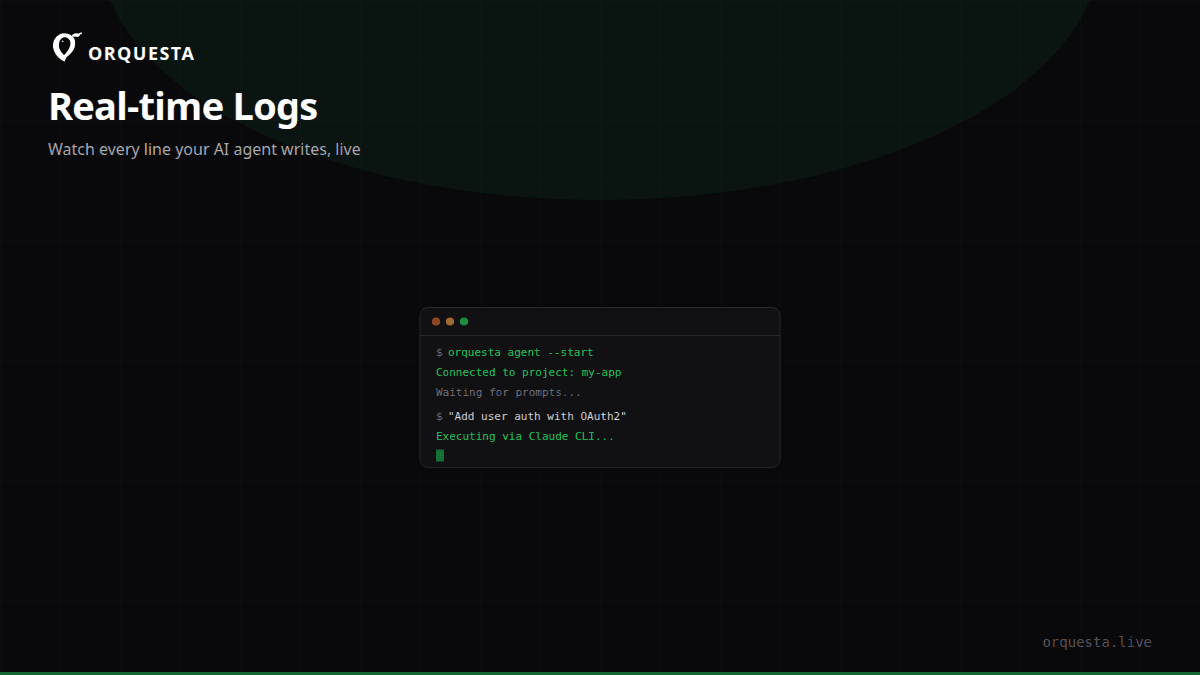
Orquesta's agent runs locally via the Claude CLI. We spawn that CLI in a pseudo-terminal (PTY), capture its stdout and stderr in real-time, chunk the output, and push it over a WebSocket to the dashboard. Each chunk is rendered immediately in a terminal component. There's no buffering at the application level—what the agent writes is what you see, as it writes it.
Here's a snippet of a live stream while an agent fixes a null check:
[Agent] Reading file src/utils.ts
[Agent] Found potential null dereference at line 42
[Agent] Writing fix...
[Agent] Running tests: npm test
[Test] PASS src/utils.test.ts
[Agent] Committing change with message: "fix: add null check"
[Agent] Pushing to branch fix/null-check
In a batch model, you'd only see the final commit message. Here, you witness the entire process. If any step goes wrong—say the test fails—you see it immediately and can intervene before the agent proceeds further.
Early Error Detection
The most obvious benefit of streaming is catching mistakes early. AI agents are non-deterministic; they sometimes take wrong turns. Maybe the agent decides to install a package that isn't needed, or it modifies a file in a way that breaks existing tests. With streaming, you spot these errors as they happen.
I've pulled the plug on agents mid-run countless times. For example, an agent once started refactoring a function that was unrelated to the bug I asked it to fix. I saw the [Agent] Opening file src/other-module.ts line appear and immediately knew it was off-track. I sent a cancel signal, adjusted my prompt to be more specific, and reran. That saved minutes and avoided clean-up of unwanted changes.
Without streaming, that agent would have completed its erroneous refactor, committed it, and I'd have discovered the problem only when reviewing the PR—or worse, after it was merged.
Building Trust in AI-Generated Code
Beyond debugging, streaming logs build trust. When you watch an agent work, you understand its reasoning. You see it read relevant files, run tests, fix failures, and iterate. This transparency demystifies the "black box." You're not just receiving code from nowhere; you're watching a logical process unfold.
For teams adopting AI-generated code, this is crucial. Engineers are rightly skeptical of code they didn't write. But if they can observe the agent's step-by-step actions—and verify each one—they're more likely to trust the final result. The log stream becomes a form of documentation: a trace of how the solution was arrived at.
In Orquesta, every action is a real git commit, and the live logs show the thinking behind each commit. You can jump into the history and see exactly what the agent was doing at any point. This auditability is essential for production use.
Real-World Workflow: Debugging a Deployment with Streaming
Let me walk through a concrete example from our own development. We had a failing deployment in a microservice. The error was intermittent and hard to reproduce. I submitted a prompt to the agent: "Investigate the intermittent 500 errors in the payment service and propose a fix."
With streaming, I watched the agent work in real-time:
[Agent] Fetching recent logs from production...
[Agent] Found error pattern: null pointer in calculateTotal()
[Agent] Reading payment/service.ts
[Agent] Identified race condition on shared state
[Agent] Writing test to reproduce...
[Agent] Test reproduces issue: 3/10 runs fail
[Agent] Applying mutex lock around shared state
[Agent] Running tests...
[Test] All 10/10 runs pass
[Agent] Committing fix: "fix: add mutex to prevent race condition"
Within two minutes, I saw the agent pinpoint the race condition and verify the fix. If I had waited for batch output, I would have seen only the final commit. But by watching, I gained confidence that the agent truly understood the problem and didn't just apply a band-aid.
Even more importantly, I could have caught a wrong approach early. Suppose the agent had decided to add a retry loop instead of fixing the race condition. I would have seen that in the stream and redirected it.
Implementation Details
Building streaming into Orquesta required some careful engineering. The key was using a PTY to capture raw terminal output. Regular pipes buffer output, which would introduce latency or reorder lines. A PTY gives us a byte stream exactly as the CLI produces it, including ANSI color codes and cursor movements.
We then parse and format that output for both the terminal and the dashboard. The dashboard terminal component renders the stream with minimal delay, typically under 50 milliseconds. We also store the full log in our database for audit and replay, but the live view is what enables real-time debugging.
The same streaming infrastructure powers our Agent Grid, where you can monitor dozens of agents side by side. Each agent's terminal streams live, so you can glance and see which agents are progressing, which are stuck, and which have errored. This is invaluable when running parallel tasks.
Beyond Debugging: Monitoring and Collaboration
Streaming logs also enhance team collaboration. With Orquesta, you can invite team members to watch an agent's run in real-time. Someone can submit a prompt, and others can observe the execution, offer suggestions, or even take over if needed. This shared visibility reduces communication overhead and keeps everyone on the same page.
During quality gate simulations, where the AI simulates changes before real execution, streaming lets reviewers watch the simulated run. They can see exactly what would happen if the change were applied, without actually applying it. This builds confidence in the proposed changes.
The Takeaway
Real-time log streaming has transformed how we debug AI agents. It shifts the debugging experience from post-mortem analysis to live observation. You catch errors as they occur, saving time and preventing bad commits. You build trust in AI-generated code by witnessing the agent's reasoning. And you enable collaborative monitoring at scale.
If you're building or using AI agents, don't settle for batch output. Demand streaming logs. The difference is like night and day in your ability to debug, trust, and ship. It's not a feature; it's a fundamental requirement.